
Utilities
deBeam - Secure File Transfer
Send files across your devices without the cloud.
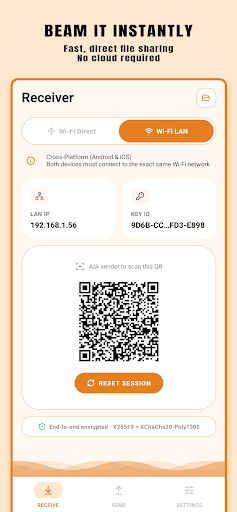
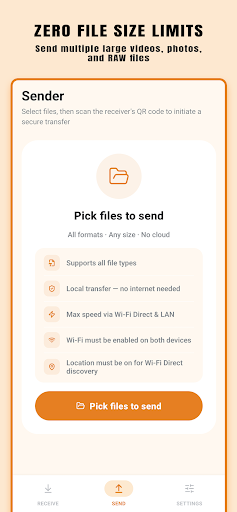
deBeam transfers files directly between phones, tablets, and computers over your local network — no account, no cloud upload, no file size limit.
Features
Direct local transfer
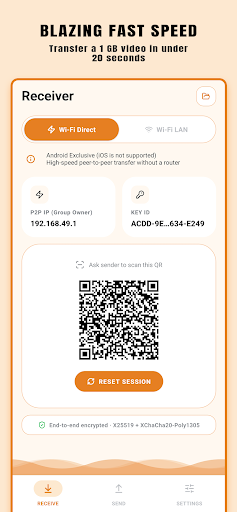
Files move between devices over your local network with no routing through external servers.
No account required
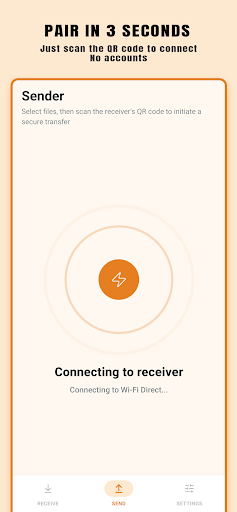
Send and receive without signing up, logging in, or granting any cloud permissions.
Cross-platform
Works between Android, iPhone, iPad, Mac, and Windows in any combination.
No file size limit
Transfer large videos, archives, and raw files without cloud storage quotas.
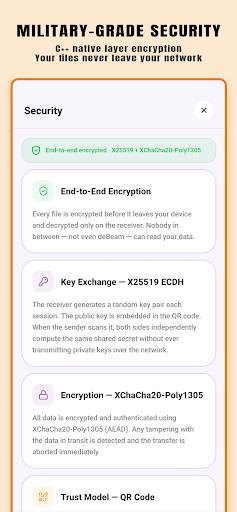
End-to-end encrypted
Transfer secured with X25519 key exchange and ChaCha20-Poly1305 encryption.
Per-file progress
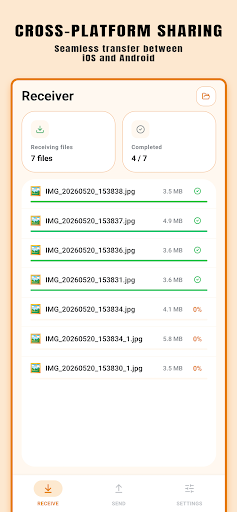
See real-time transfer progress for each file as it moves across your network.
Screenshots
FAQ
Does deBeam require cloud storage?
No. deBeam transfers files directly between devices on the same local network. Nothing is uploaded to any server or cloud storage.
Does deBeam need an account?
No. You can send and receive files without creating an account or signing in to anything.
Which platforms does deBeam support?
deBeam supports Android, iPhone, iPad, Mac, and Windows. Any combination of these platforms can transfer files with each other.
Can deBeam send large files?
Yes. deBeam does not impose file size limits. Transfer speed depends on your local network connection.
Is the transfer encrypted?
Yes. deBeam uses end-to-end encryption with X25519 key exchange and ChaCha20-Poly1305.